
Show which meter you read, not just the number.
A photo can have perfectly readable digits and still leave you wondering which meter they came from. The meter identity, reading, unit and observation date belong together.
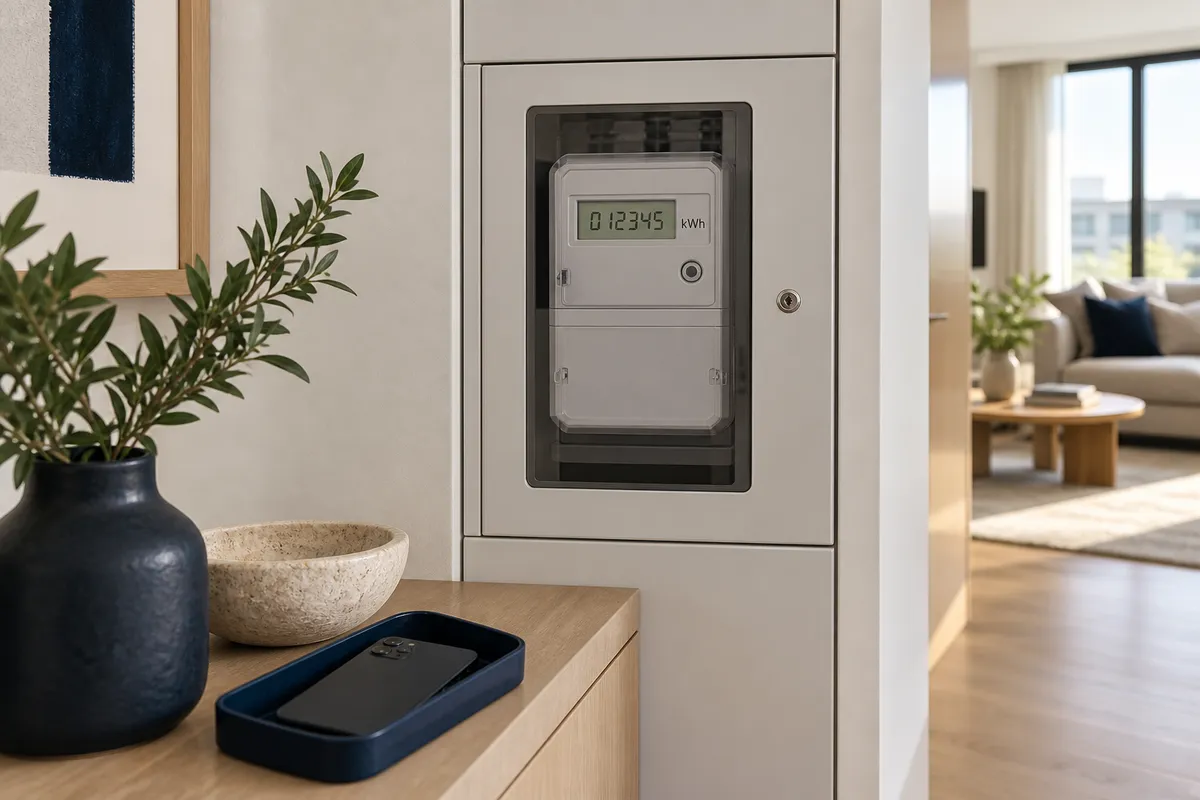
Identify the right meter first.
Check which property and supply the accessible meter serves. In a shared cupboard, do not decide based only on where the device sits. If the match is unclear, record that uncertainty and ask the relevant person.
Use a clear label such as electricity, water or gas, and include the identifying meter number where needed. Avoid accidentally including another apartment’s details. If you cannot access the device, write “not accessible” instead of inventing a reading.
Take an overview and a readable close-up.
The overview should make the device recognisable. The close-up should show the display, digits and visible unit. Keep the phone steady and zoom into the photo afterwards to check sharpness.
If reflection or flash hides a digit, change the angle and take another photo. Check readability while you are still there. Only photograph an accessible display; do not open protective covers to get a better view.
Write the displayed value and unit accurately.
Include the unit if visible, such as kWh or m³. Do not guess an unfamiliar unit. Dots, commas and differently coloured digits can have different meanings, so preserve the whole display in the photo.
If a screen cycles through readings, specify which screen you documented. Do not label an unfamiliar value as total consumption. Follow the device or utility provider’s reading instructions.
Add the observation date and correct an inaccurate phone clock. A date entered by a user or stored in a photo is not an independently verified official timestamp.
Take a new reading when you leave.
Keep the arrival reading as a reference and add a fresh observation and photo for departure. Consistent meter labels make comparison easier. If the device has changed, identify the replacement and explain what you found.
A photo report can help you understand a past observation. It does not calculate the bill or determine who owes it. Follow the utility provider’s separate account process.
- Is the meter identifiable?
- Are the reading and unit legible?
- Are the date and arrival or departure stage correct?
- Does the photo match the meter entry in the report?
Keep the details together.
Use the home checklist to prepare for the handover. Agent Mode also brings meter identity, reading, unit, date and the relevant photo into a property report. The Android store release is being prepared.